Austin American-Statesman via McClatchy-Tribune
(Spoiler alert: This story contains no actual TV spoilers.)
I would really like to talk to you about TV spoilers today, but first I need to know: Did you see the series finale of “Breaking Bad?” Are you caught up on “Game of Thrones?” You know who died on that one amazing episode of “The Wire” toward the end of Season Three, right?
Maybe we shouldn’t have that discussion. I don’t want to ruin anything for you.
As television has entered into what some call a golden age of deeper dramas and more sophisticated comedies (“2 Broke Girls” notwithstanding), we seem to be taking TV much more seriously. Online, where conversations can escalate over a misplaced comma, spoiling a plot twist such as the death of a major character or what happened in the final episode of a TV series can get you yelled at.
Or typed at. Loudly. With lots of exclamation points. By people who hate spoilers.
It became clear last week that we’ve entered a new era of spoilerphobia with the final episode of AMC’s “Breaking Bad.” Viewers who weren’t caught up on the show or who had to watch the Sept. 29 finale on a DVR delay had to shield their eyes at news headlines, shush coworkers and unfollow play-by-play TV commentators on Twitter.
“Breaking Bad,” an unpredictable epic where almost anything could happen from week to week, turned those who were in the process of binge-watching the series on Netflix into nervous wrecks. It got to be such a problem that Netflix introduced a tool called “Spoiler Foiler,” allowing fans to filter out information about the show from their Twitter feeds.
Some believe that discussion of TV online is fair game once a show has aired on the West Coast (accounting for the standard three-hour TV delay from Eastern time). Others believe you should wait at least a day to allow DVR viewers to catch up on shows before giving anything away.
The most spoiler-averse believe you shouldn’t reveal any major plot points of beloved series, even old ones, since some people are still catching up on “The Sopranos” or “Lost” via DVDs or video-on-demand. And then there are those who live-Tweet TV events as they happen, enraging others.
Watching TV digitally on your own terms is great, but it’s also created pressure to keep up with TV plotlines in unrealistic ways. When Netflix released 15 episodes of “Arrested Development” or 13 of its new original series “Orange is the New Black” all in one bunch instead of parceling them out, who’s to say when it’s appropriate to reveal plot twists online? It’s kind of a mess out there.
Emily Gipson and Caitlin McFarland, TV junkies and founders of the annual ATX Television Festival, say that we’ve gone through two big shifts in TV viewing that may be contributing to the current battleground over spoilers. When DVRs started going mainstream, many viewers stopped watching all but the most important event TV (the Super Bowl, the Oscars) live. But the rise of social media has made many embrace the communal feeling of watching TV with others.
“It’s why television viewing in the last year or two has skyrocketed,” McFarland said. “The TV community online, it’s family, it’s your people. You want to watch it live with them.”
TV series are complicit in this, she said, pointing to shows like “Scandal,” in which cast members Tweet as their show airs. “It’s an experience,” McFarland said. “It causes you to think about what shows you want to marathon, what you watch in bulk and what you want to watch live. All the control is in the hands of the viewer.”
Gipson said she believes many TV geeks are increasingly aware that posting spoilers can ruin a TV show for those still catching up on a series. “I think people are being super respectful of spoilers,” she said. She’s only into the third season of “Breaking Bad” and has yet to have the ending ruined. “The only thing I’ve seen is people saying, ‘Wow, that was an amazing finale.’”
If the idea of having a shocking TV death or the score from a football game you recorded exposed fills you with fear, there are ways you can stamp out spoilers from your life.
Methods of avoidance:
Method 1: Stay offline until you’re caught up on a TV episode. That may seem obvious, but for those whose jobs rely on being online and up to date on what’s happening (say, reporters or researchers), that’s easier said than done. But for big TV events that you’re missing, you can at least stay off Twitter and Facebook while the show is airing and for a few hours afterward.
Stay off entertainment or sports websites that may reveal what happened in headlines. Even mainstream news sites often can’t resist posting TV info such as results from competitive reality shows, especially if there’s a local connection, as when Austinite Paul Qui won “Top Chef” last year.
Method 2: Use technology to fight spoilers, especially on Twitter. The aforementioned “Spoiler Foiler” is still a good tool if you’re a “Breaking Bad” binge-watcher, but there are other apps and filters available to scrub information about TV shows of your choosing. “Spoiler Shield,” a recently launched free app for iPhone and iPad, promises to clear Facebook and Twitter of spoilery information. Twivo, a browser plug-in, can also eliminate spoilers from Twitter feeds.
Tools including TweetDeck and Twitter apps such as Echofon and TweetCaster allow you to mute hashtags or users.
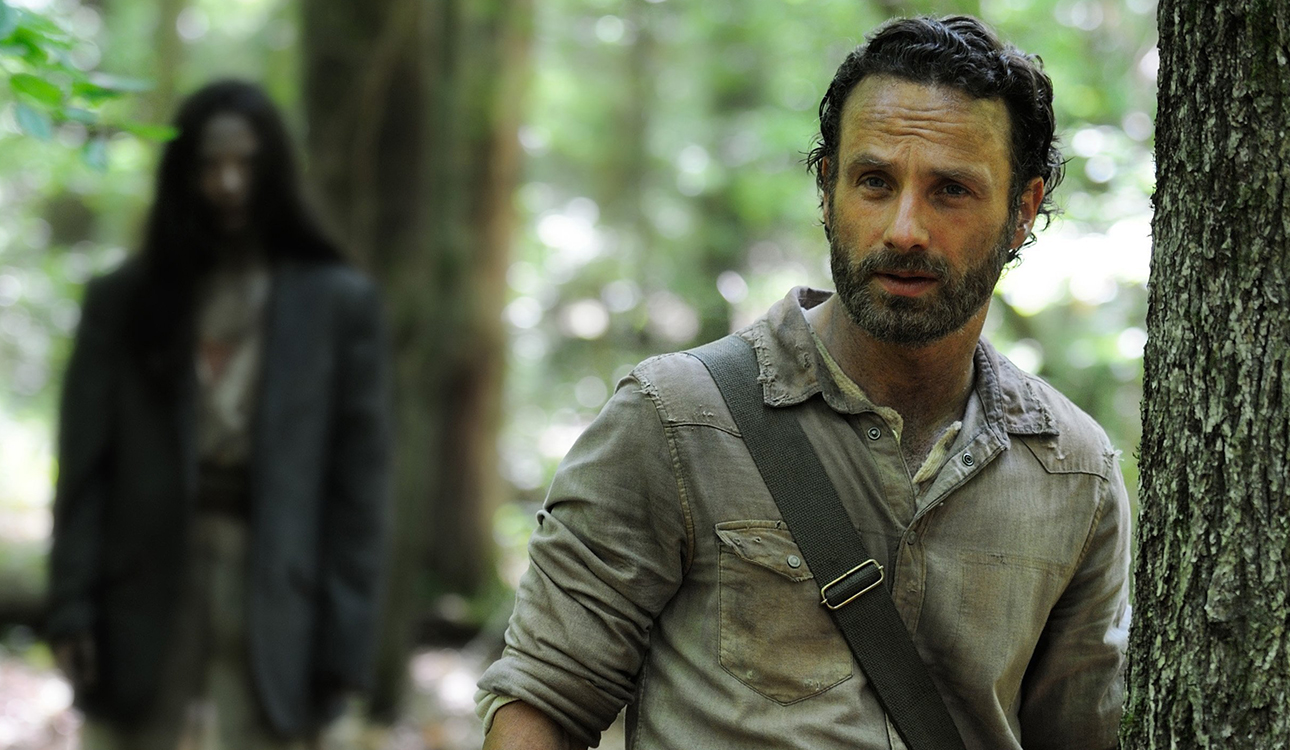
Method 3: This is the least convenient for those used to watching TV on their own DVR terms: Watch the shows you’re most worried about when they air, especially shows with a high body count (“Homeland,” “Walking Dead”).
Even making a virtual fort for yourself online won’t guarantee that spoilers won’t intrude on your viewing.
Gipson said that an hour before our interview, the “Breaking Bad” finale was almost spoiled for her when coffee shop customers began discussing it nearby. She said, “I turned and told them, ‘Could you not do that here?’”
“They took their conversation outside and said, ‘Not everyone will be this kind; you should hurry up.’”